
Download infolio
Install infolio from the official links and bring desktop workspaces, document libraries, whiteboards, encrypted vaults, global search and multi-source sync to your devices. The core app is free, with optional plans for official cloud sync and custom sync source memberships.
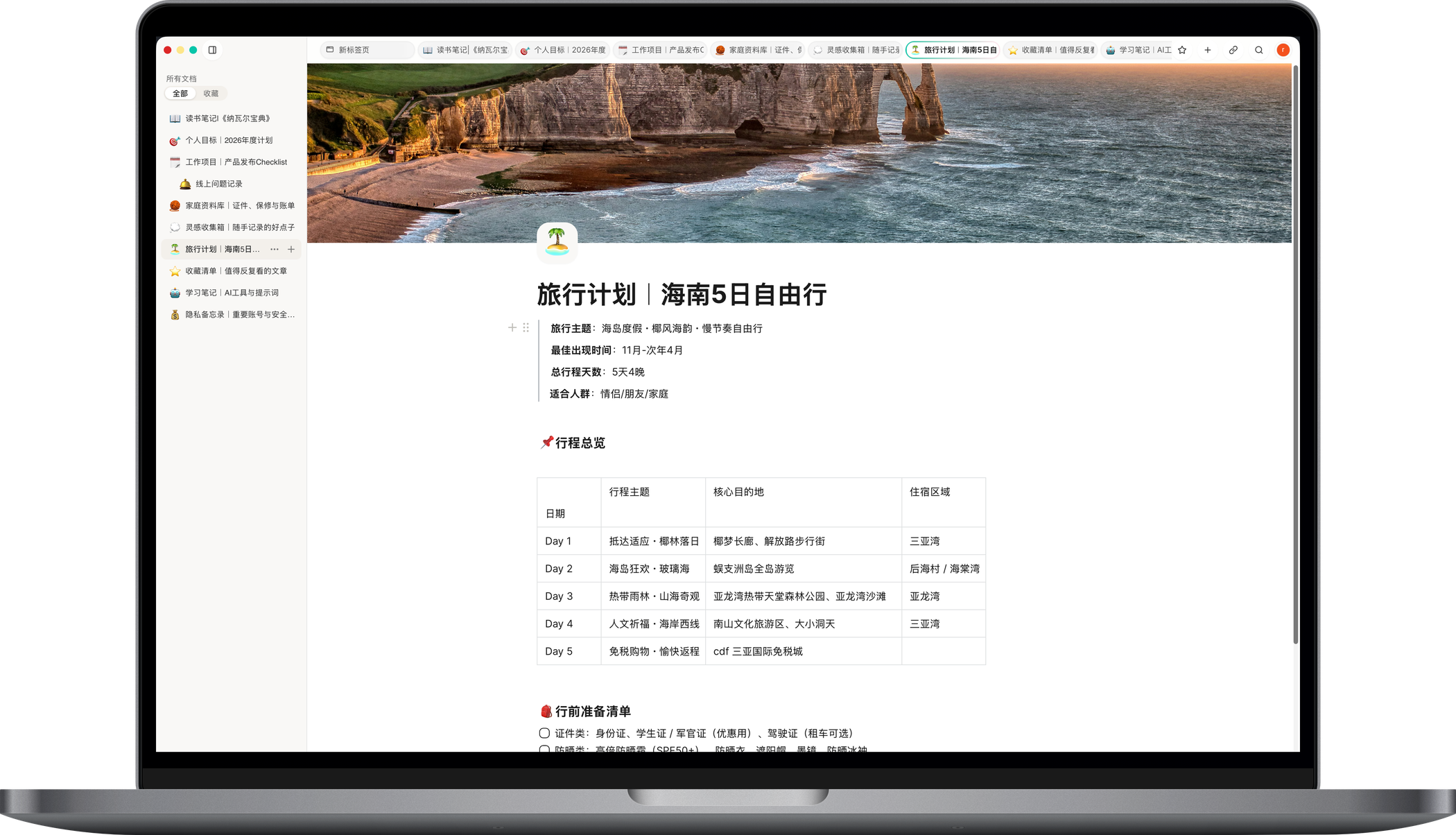
Choose your device
These are the download links currently published by the website. The Windows entry will be updated here when it is ready.
Desktop
macOS
Best for organizing long-form documents, project material, whiteboards and multi-window workspaces on Mac.
Current version: —
Download macOS DMGApp Store
iOS / iPadOS
Capture on iPhone, then review and organize your personal knowledge hub on iPad.
Current version: —
Open App StoreAPK
Android
Capture material on Android and connect it to your broader knowledge workflow through sync.
Current version: —
Download Android APKDesktop
Windows
The Windows version is in preparation and this page will link to the official build when it is ready.
Before you download
- Current platform versions and download URLs are loaded from the official release service.
- The core app is free for local editing, desktop workspaces, whiteboards, document libraries and vaults.
- Sync can use the official cloud or custom sync sources such as iCloud, Aliyun OSS, AWS S3 and Cloudflare R2.
- Sensitive records are designed for vaults and are encrypted before leaving the device.
Download FAQ
Where should I download infolio?
Use the official links on this page, including the App Store, macOS DMG and Android APK. Avoid repackaged installers from unknown sources.
Is infolio free after download?
The core app is free. Official cloud sync, extra storage and custom sync source memberships are optional paid capabilities shown on the pricing page and in the app.
Is the Windows version available?
The website currently marks Windows as coming soon. This download page will be updated with the official link when the build is ready.
Can infolio work offline?
Yes. infolio is local-first, so documents, whiteboards and vaults remain useful on-device first and sync later according to your settings.